您现在的位置是:网站首页> 开发积累
Github信息资讯
- 开发积累
- 2026-11-19
- 33人已阅读
Github信息资讯

Quick Start
1. Install
macOS/Linux:
curl -fsSL "https://raw.githubusercontent.com/Alishahryar1/free-claude-code/main/scripts/install.sh" | sh
Windows PowerShell:
& ([scriptblock]::Create((irm "https://raw.githubusercontent.com/Alishahryar1/free-claude-code/main/scripts/install.ps1")))
2. Start FCC
Windows
Open Free Claude Code from your desktop or Start menu.
macOS
Open Free Claude Code from your desktop or Applications folder.
Linux
Run:
fcc-server
3. Configure NVIDIA NIM
Create an API key at build.nvidia.com/settings/api-keys.
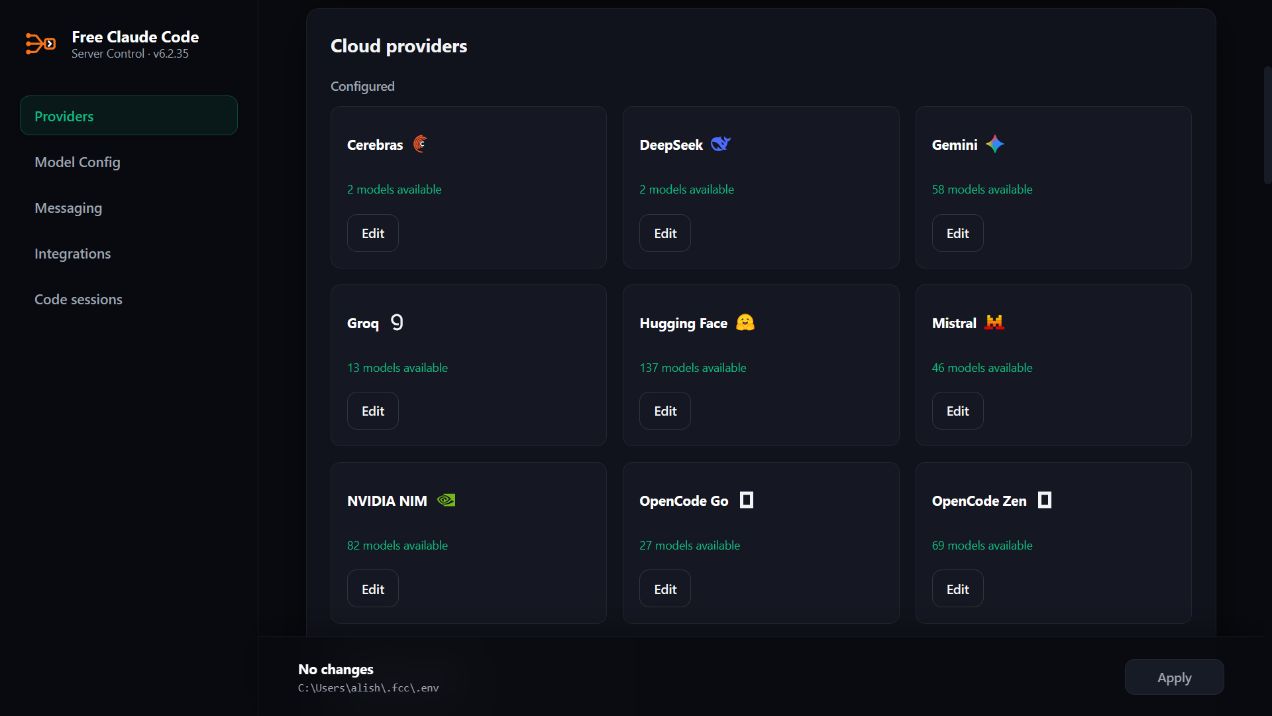
Open the Admin UI URL from the server log.
Open NVIDIA NIM in Providers, click Add key, paste the key, and click Save.
Leave MODEL on the default nvidia_nim/nvidia/nemotron-3-ultra-550b-a55b, or search the model dropdown and select another model.
Click Apply to save your model selection.
To protect the local proxy with a bearer token, enable Proxy Authentication in Admin.
4. Run Your Coding Agent
Claude Code:
fcc-claude
Codex:
fcc-codex
Pi:
fcc-pi
OpenCode 2:
fcc-opencode
Cline:
fcc-cline
Hermes:
fcc-hermes
DeepSeek Harness Web:
fcc-dsh
Grok Build:
fcc-grok
Muse Code:
fcc-muse
Aider:
fcc-aider
Antigravity CLI:
fcc-agy
上一篇:研发常识资讯类收集